How Teachers Use a Digital Tally Counter in the Classroom
· 7 min read
A teacher counts more things in one day than most people count in a week. The trouble is that all of it happens while you are teaching thirty children. You reach seventeen, a pencil case hits the floor and you are back at the front row. So you count again and lose another minute of the lesson.
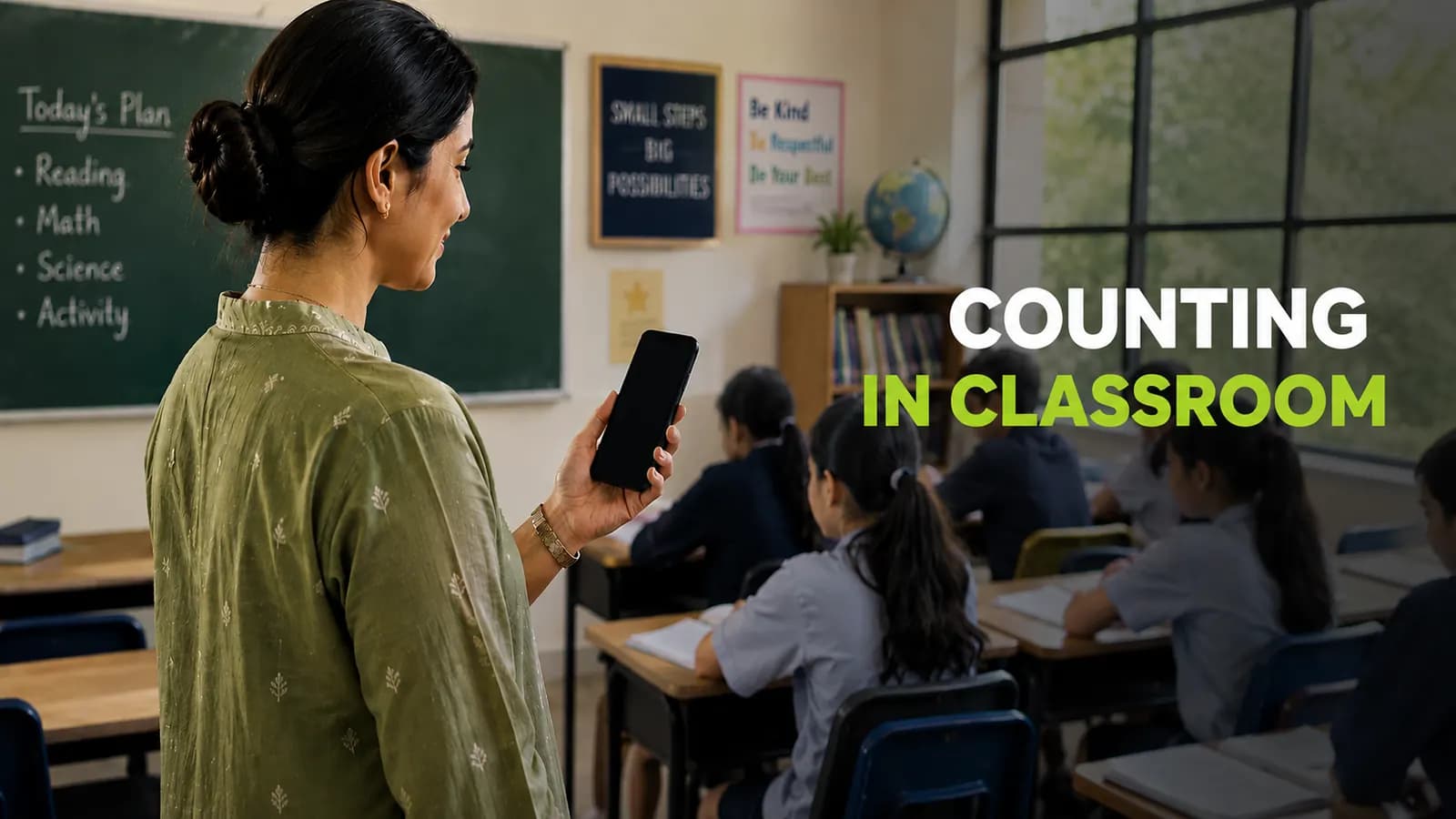
A digital tally counter takes that small job off your hands. It sits on the phone or laptop already on your desk and holds the number for you. Here is how teachers use one.
Methods Teachers Use for Counting
Counting is part of a teacher’s daily routine. In classrooms and schools, teachers count students for attendance, track participation, monitor behaviour, record learning progress and keep scores during activities and games. Accurate counting helps maintain classroom organization, student safety and reliable records.
There are different methods teachers use for everyday counting. Some of the most common methods are given below.
Tally marks on the board
Four lines and a slash is the fastest method there is. The whole class can see the score and children understand it without being taught. For a quiz round it works perfectly, the problem comes at the end of the lesson. You wipe the board and every number goes with it. Nothing carries over to tomorrow and nothing goes into a report.
Clipboard and paper
A printed sheet and a pen last longer than the board. You can keep a column for every student and the sheet is still there next week. Plenty of schools still run behaviour records this way. The cost is that you are holding a clipboard while trying to teach. The sheets pile up in a drawer and somebody has to add them all up at the end of term. By then half of them have gone missing.
The metal clicker
The metal clicker does one job well. You press it once for each child getting on the bus and it never needs charging. For that one job it is still good. The trouble starts after that. It counts one thing only, so two students means two clickers and there is no minus button to fix a wrong press.
A digital tally counter
This is the same idea on the phone or laptop you already have. Tap plus to add and minus to fix a mistake. There is nothing to buy and nothing to carry. The extras are what make it work in class. Run several counters at once, name each one, keep the numbers after the lesson and download them later. That is why it beats the other three.
Ways to Use It in Class
Teachers count many things every day. They track attendance monitor student participation record behaviour keep team scores and count classroom supplies. A tally counter makes these tasks faster and reduces mistakes.
Here are some of the most common ways teachers use a tally counter.
Attendance and School Trips
Tap once for each student as they enter the classroom or board the bus. Set the target to your class size so you know when everyone is present. This is much faster than counting the same group again and again.
Behaviour Tracking
Create a counter for each student you are monitoring. Tap whenever a behaviour happens such as calling out or leaving their seat. The saved numbers help you spot patterns and share accurate records with parents or school staff.
Class Participation
Use separate counters for groups or individual students. Tap each time someone answers a question or joins the discussion. This helps you see who participates often and who needs more encouragement.
Reading Math and Quiz Activities
Count correct words during reading practice or correct answers in maths drills and quizzes. Saved results make it easy to compare progress over time without writing everything by hand.
Team Scores and PE Lessons
Keep live scores for classroom games sports activities and competitions. Students can also use the counter to track laps passes or other activities while you focus on teaching.
Classroom Supplies
Count textbooks library books tablets or other classroom items at the start or end of the day. Saving the totals gives you a simple record and helps you notice missing items quickly.
Once the counting is done, turn those totals into a tally chart for your display board, report or worksheet.
Make Tally ChartWhy TallyCounts is good for teachers
Plenty of free counters exist online. Most give you one counter, a number and nothing else and the ones with real features want a monthly payment that no school will approve for a small tool. TallyCounts keeps the useful parts free.
As many counters as you need
Open one for every student, table or type of vehicle with no limit on how many run at once. Give each one a real name so the screen says Ayesha or Blue Team instead of Counter 3. Twenty minutes later you will still know which is which.
A minus button
Miscounts happen in a room with thirty children in it. One tap on minus puts it right and you carry on with the lesson. On a metal clicker the same mistake means counting the whole class again.
Your history stays saved
Your counts stay in your account instead of vanishing when you close the tab. Monday’s behaviour numbers are still there in November when somebody asks for them. That is what turns counting into a record you can hand over.
Common Questions
Can I track more than one student at a time?
Yes. This is the main thing a metal clicker cannot do. Open a named counter for each student and run them all at once with no limit on how many you have open.
Can my students use it themselves?
Yes. Traffic surveys, science work, chance experiments and quiz scoring all work better when a child is holding the counter. It gives them a job and frees you to run the lesson.
What if I tap the wrong button?
Press minus once and the number goes back. Nothing else is lost and you do not need to start again. This is the biggest practical difference from a mechanical clicker.
Do the numbers go away when I close the tab?
No. They are saved and stay in your dashboard so you can look back at them later. Compare this week with last month whenever you need to.
Is it free?
Yes. Unlimited counters, downloads and the dashboard are all in the free version. There is nothing to pay and no card to enter.
- Teachers
- Classroom
- Attendance